

AI Integration Quick Reference
AI Integration Quick Reference
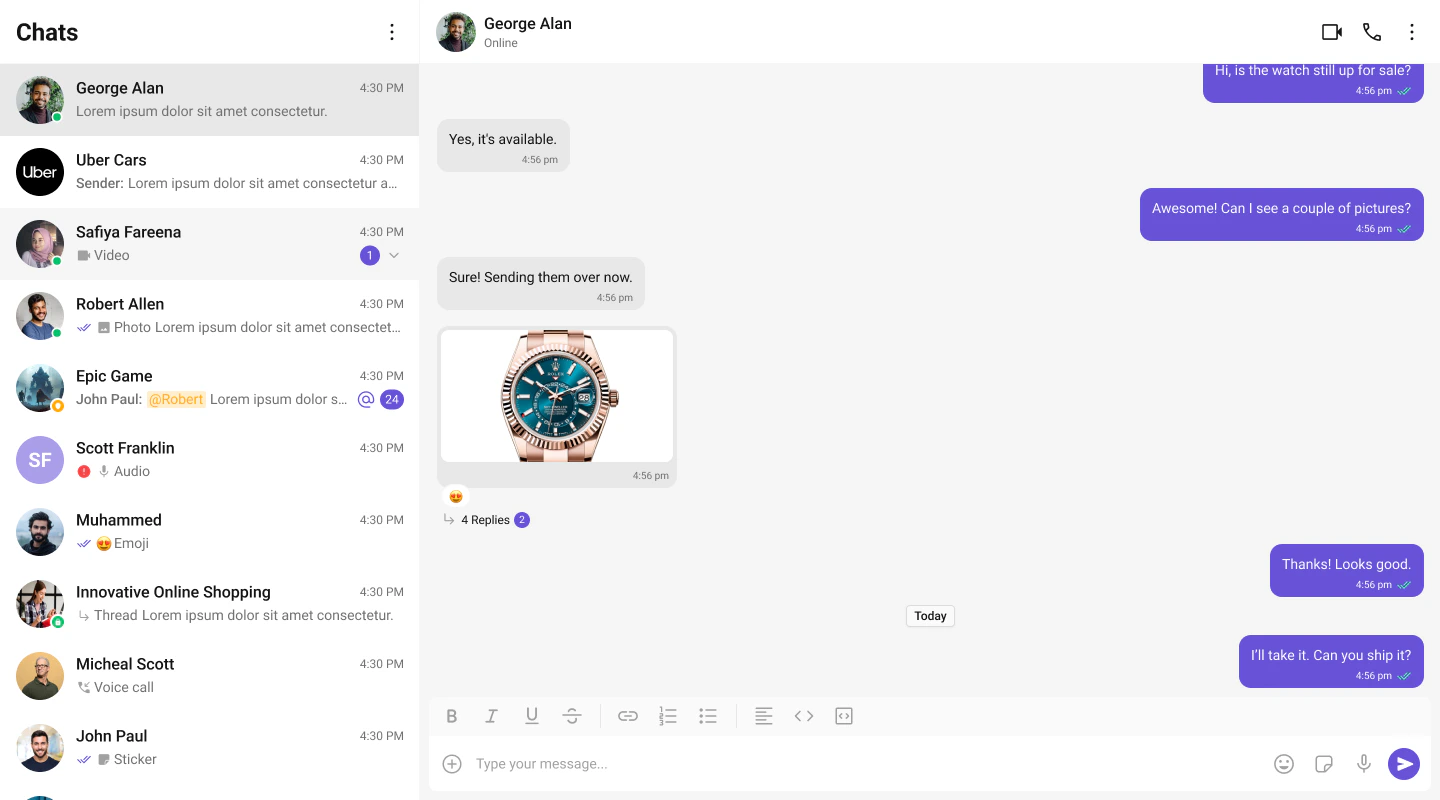
Try It
Live Demo
Try the full chat experience in your browser
CodeSandbox
Fork, add your credentials, and start building
Get Started
Pick your framework and follow the step-by-step integration guide:React.js
Vite or Create React App
Next.js
App Router with client-side rendering
React Router
SPA with React Router v6+
Astro
React islands with client:only directive
What’s Included
- Compound components — compose only what you need using namespace sub-components (Root, View, EmptyState, etc.)
- Plugin system — extensible message rendering via
CometChatMessagePlugininterface - Theming — CSS custom properties (
--cometchat-*) with built-in light and dark themes - Localization — 19 supported languages with customizable translation keys
- Calling — optional voice and video calling via
@cometchat/calls-sdk-javascript - SSR-safe — no browser-only APIs at module scope; Next.js App Router compatible
- Tree-shakeable — ESM-first build with dual ESM + CJS output
Prerequisites
Before integrating the UI Kit, ensure you have:- Node.js 18+ installed
- A CometChat account with the following credentials:
appId— your CometChat application IDregion— your app region (e.g.,"us"or"eu")authKey— your CometChat auth key (for client-side authentication)
Installation
Explore
Components
Browse all prebuilt UI components
Theming
Colors, fonts, dark mode, and custom styling
Plugins
Customize message rendering with the plugin system
Guides
Threaded messages, new chat, search, and more
Resources
Sample App
Working reference app
Source Code
Full UI Kit source on GitHub
Figma
Design resources and prototyping
Troubleshooting
Common issues and fixes
Support
Open a support ticket
Migration Guide
Upgrading from v6