

AI Integration Quick Reference
AI Integration Quick Reference
Instant Messaging
Real-time text messaging is at the heart of CometChat. Users can send and receive instant messages, enabling quick and efficient communication in both one-on-one and group conversations.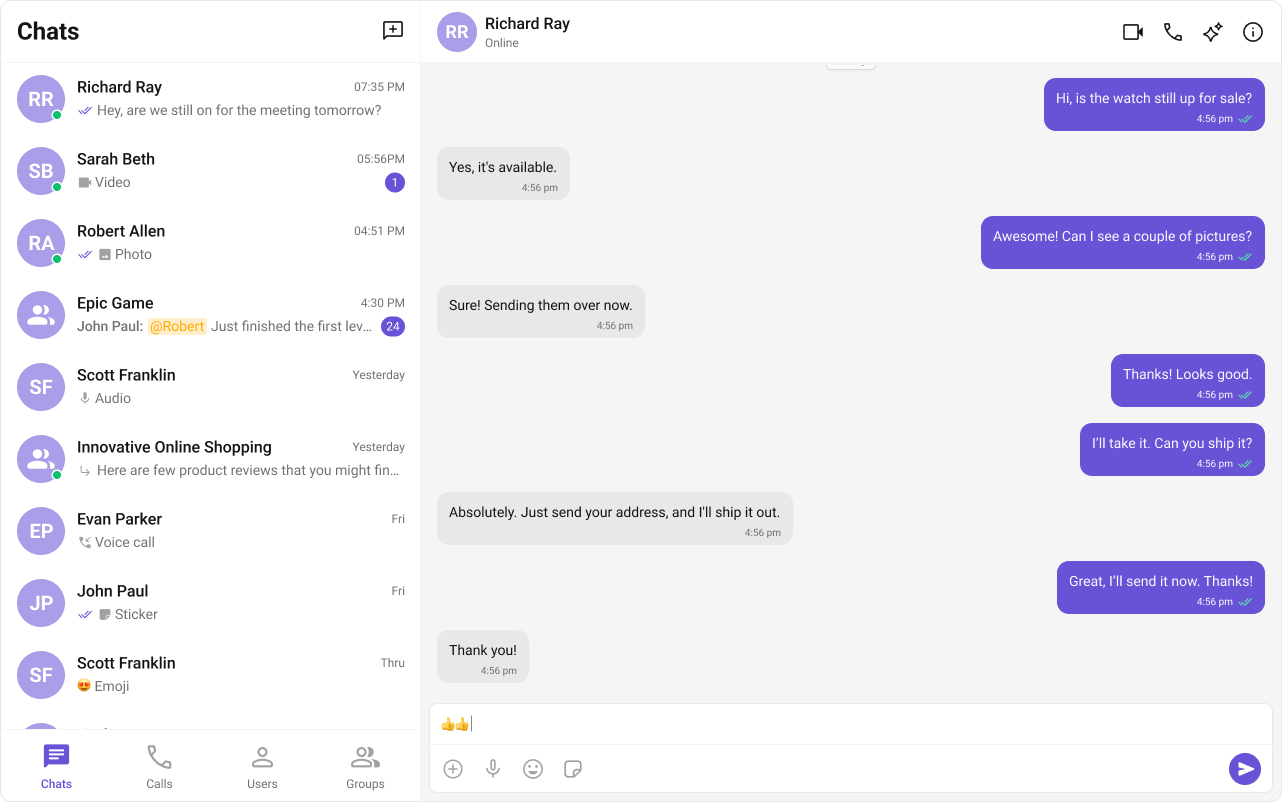
Media Sharing
CometChat supports sharing images, videos, audio files, and documents within conversations. You can also attach multiple files to a single message — images, videos, audio files, and documents can be staged together in the composer and sent as one batch. See Multiple Attachments.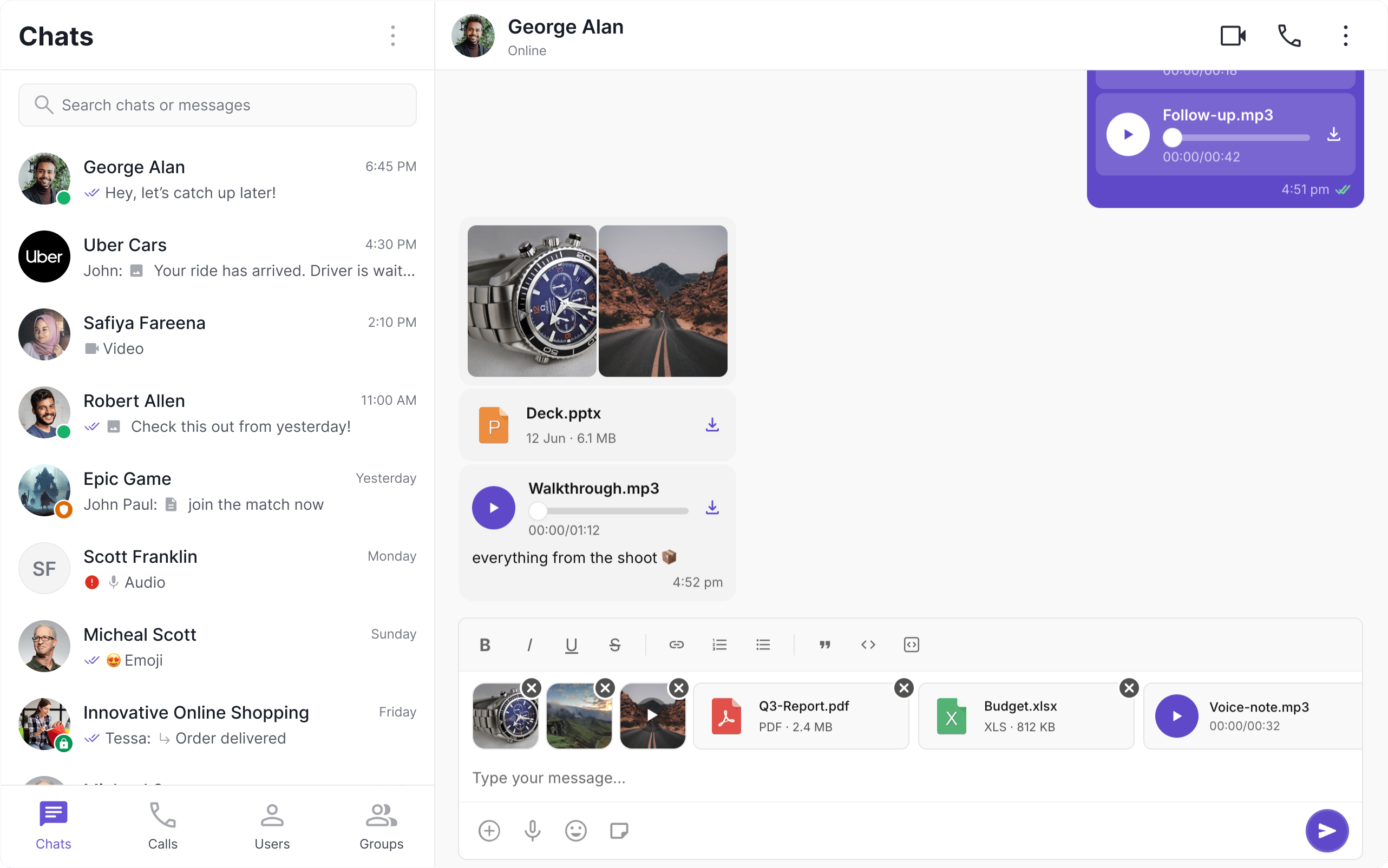
Read Receipts
Read Receipts provide visibility into message status, letting users know when a message has been delivered and read. This brings clarity to communication and sets expectations about engagement.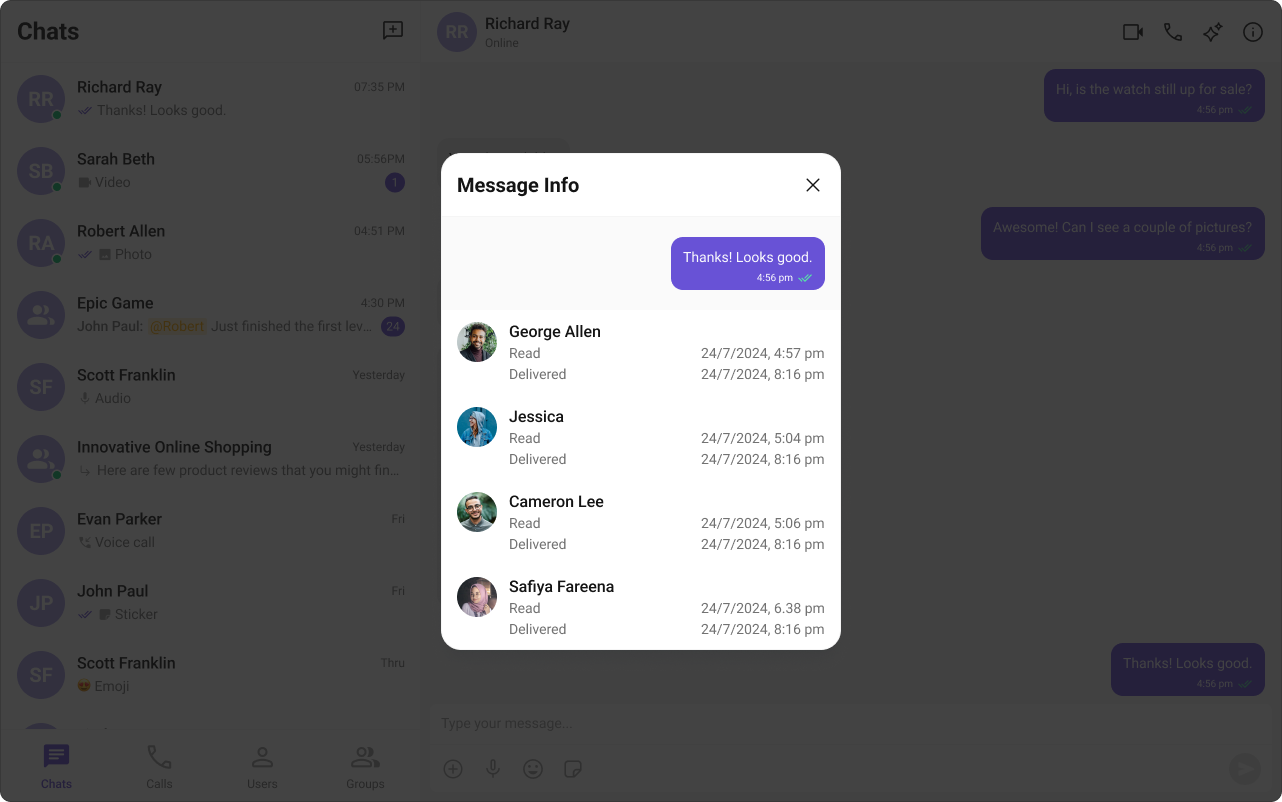
Typing Indicator
The Typing Indicator shows when a user is composing a response in real time, making conversations feel more natural and interactive.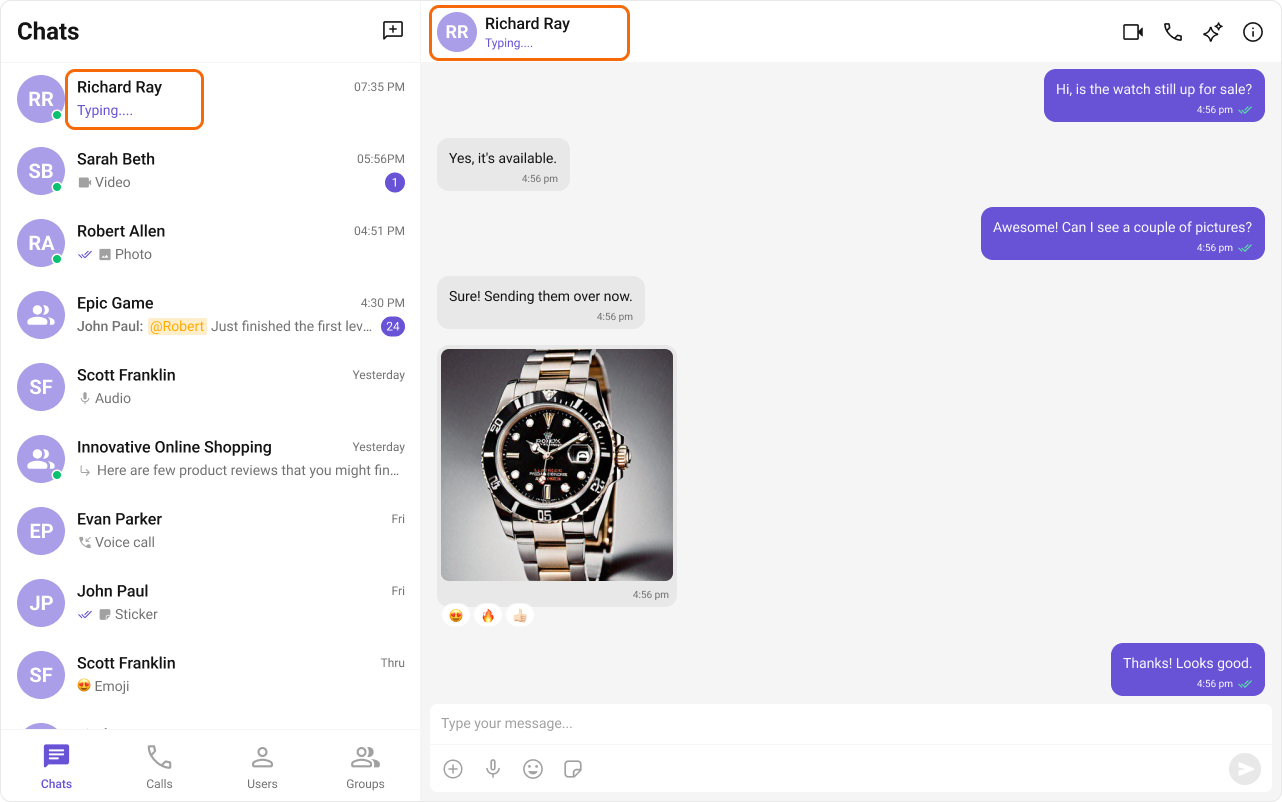
User Presence
User Presence lets users see whether their contacts are online or offline, helping them choose the best time to start a conversation.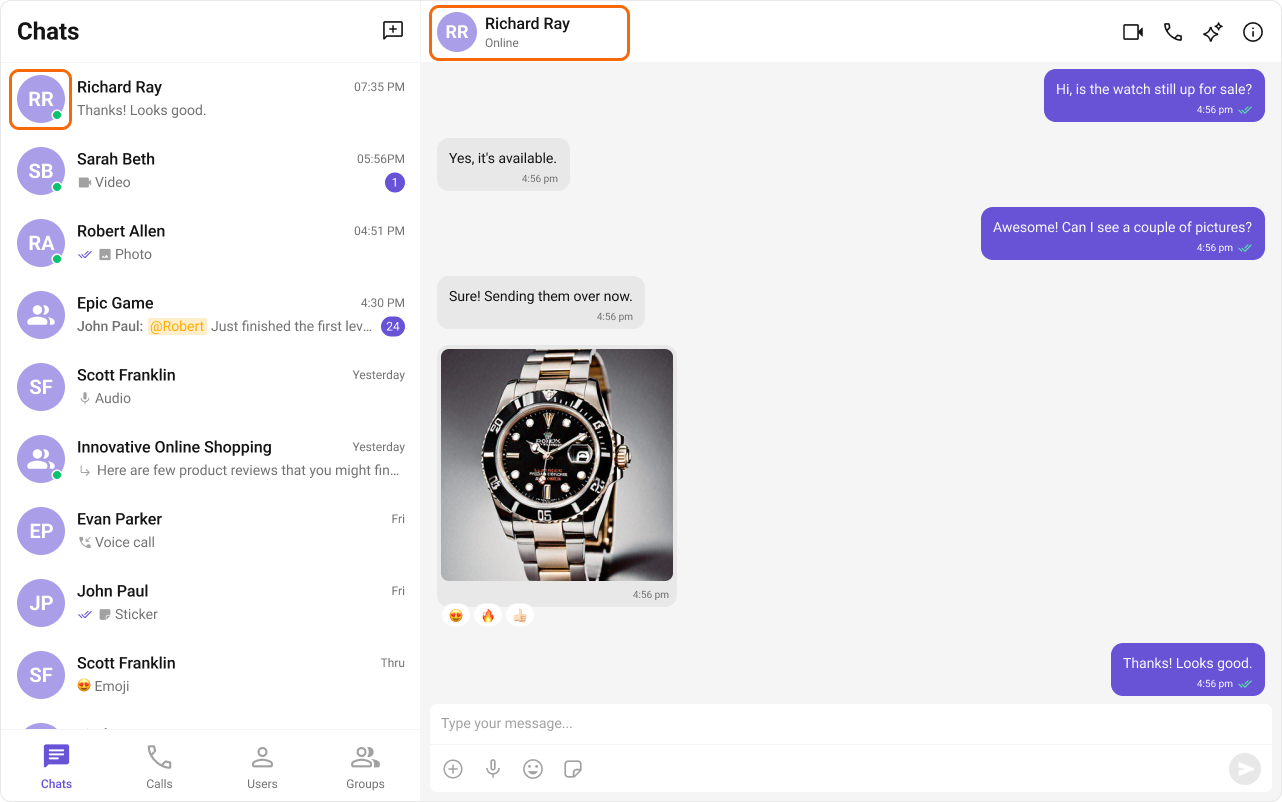
Reactions
Reactions let users express emotions or respond to messages without typing a full reply, adding expressiveness and boosting engagement.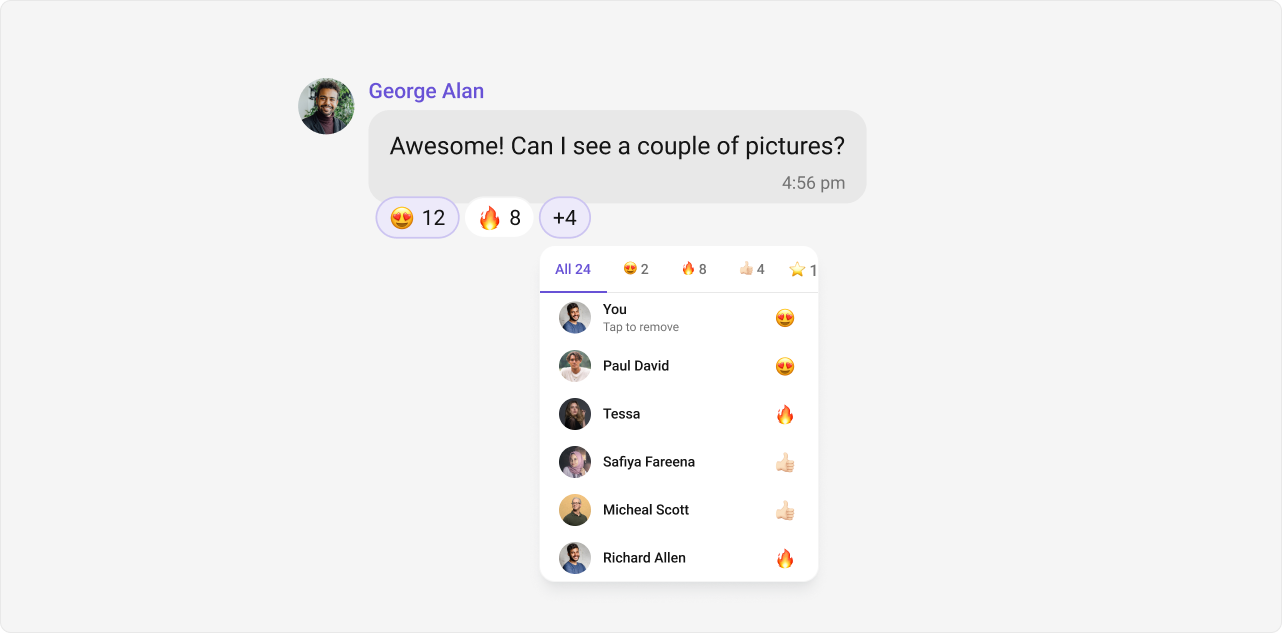
Mentions
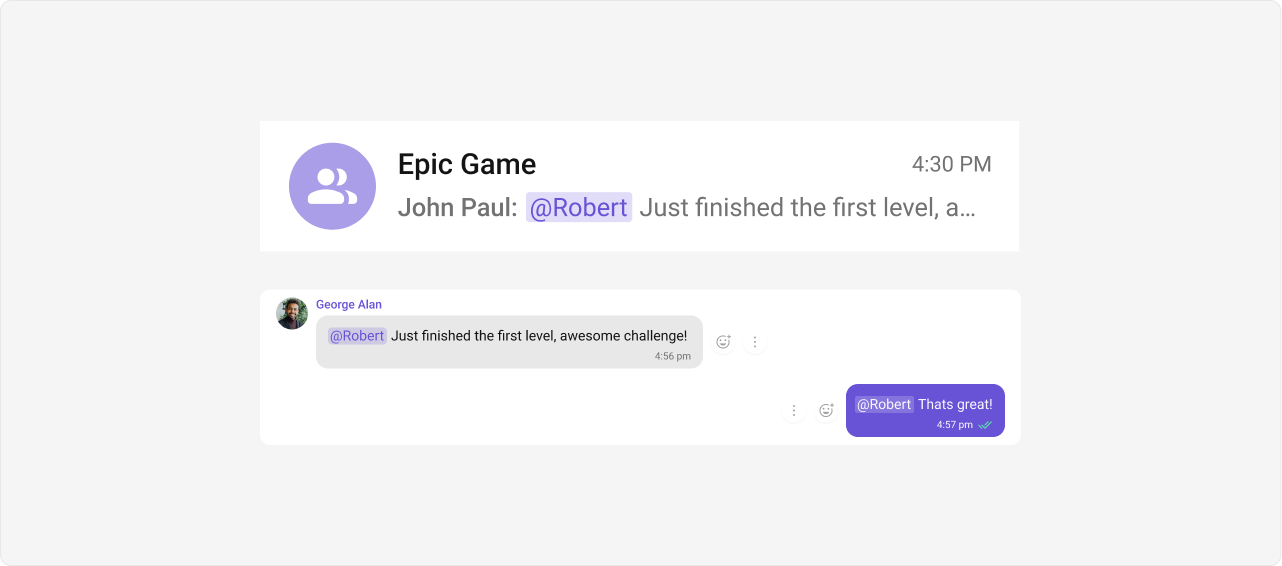
Mentions allow users to directly address specific individuals in a conversation using@username. The feature also supports @all to notify every member in a group chat simultaneously.
Threaded Conversations
Threaded Conversations enable users to respond directly to a specific message, keeping discussions organized and maintaining context — especially useful in group chats.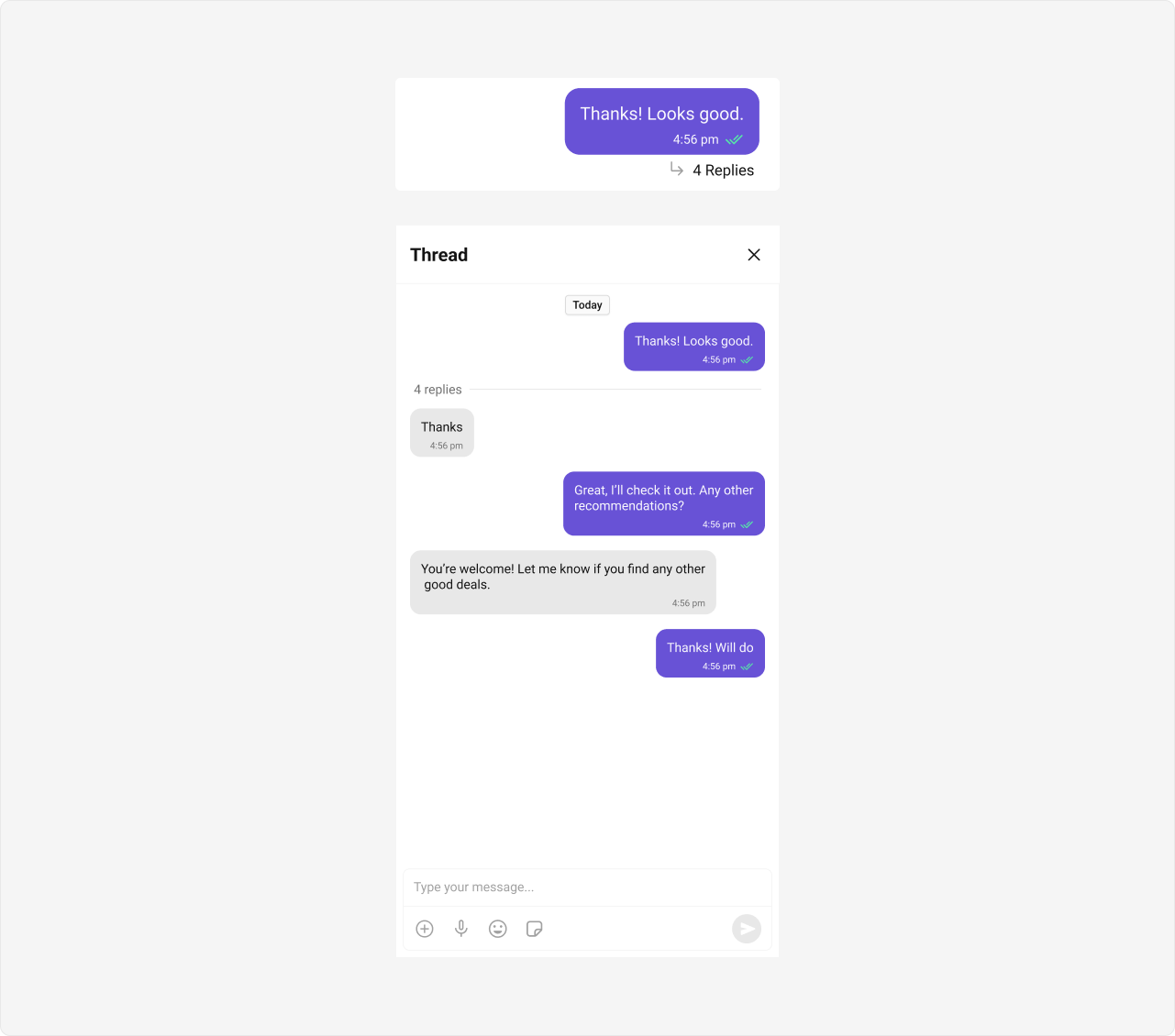
Thread Subscription
Thread Subscription lets a user follow one specific thread so they are notified about its replies, and unfollow when they no longer want them. It is per-user and per-thread, and is available from v5.2.0 and off by default — enable it withenableThreadSubscription in COMETCHAT_GLOBAL_CONFIG (see Enabling the Feature).
See the Thread Subscription guide.
Pin and Save Messages
Pinning highlights a message for everyone in a conversation; saving bookmarks one privately for the acting user, across every conversation. Each is gated by an app setting provisioned by CometChat.
Each feature is switched on per app, and each carries its own cap:
The UI Kit reads these settings through the Chat SDK, so no wiring is needed to show, hide, or enforce them. When a user reaches a cap, the kit shows a toast that names the exact limit — no extra handling required. For a full walkthrough, see the Pin and Save guide.
Pin Conversations
Keep the chats that matter at the top. Users pin a conversation from the row’s context menu; pinned conversations show a pin indicator and sort above the rest of the list. Pins are personal to each user.
Conversation pinning is switched on per app, and carries its own cap:
A conversation can also be system-pinned app-wide by your app. System pins always sort above user pins and cannot be unpinned from the UI. See cometchat-conversations → System Pins.
Quoted Replies
Quoted Replies enable users to quickly reply to specific messages by selecting the “Reply” option from a message’s action menu. This enhances context, keeps conversations organized, and improves overall chat experience in both one-on-one and group chats.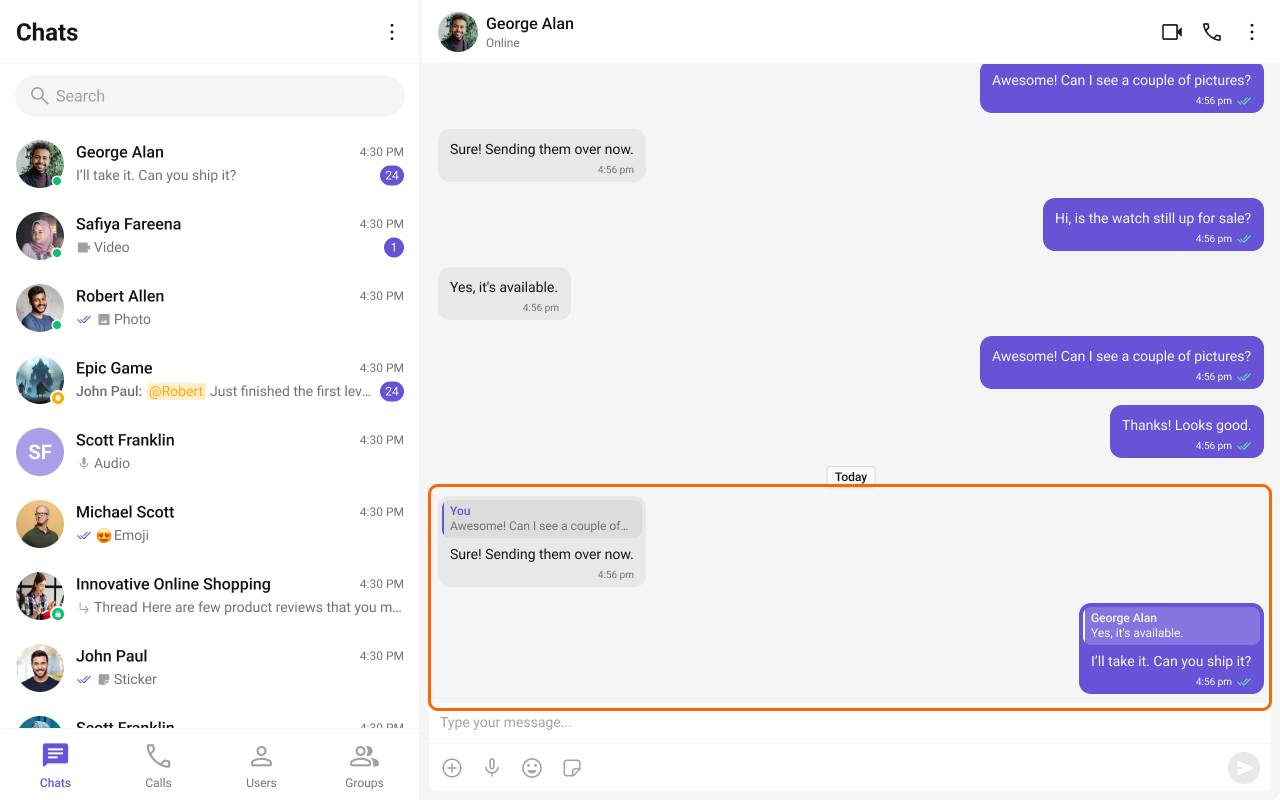
Rich Text Formatting
Rich Text Formatting allows users to style their messages with bold, italic, underline, strikethrough, code, links, lists, and blockquotes. This brings richer expression to conversations and helps users emphasize key points, making communication clearer and more engaging.
See the Rich Text Formatting Guide for detailed usage instructions.
Group Chat
CometChat facilitates group conversations, allowing multiple participants to communicate simultaneously — ideal for team collaborations, group discussions, and social communities.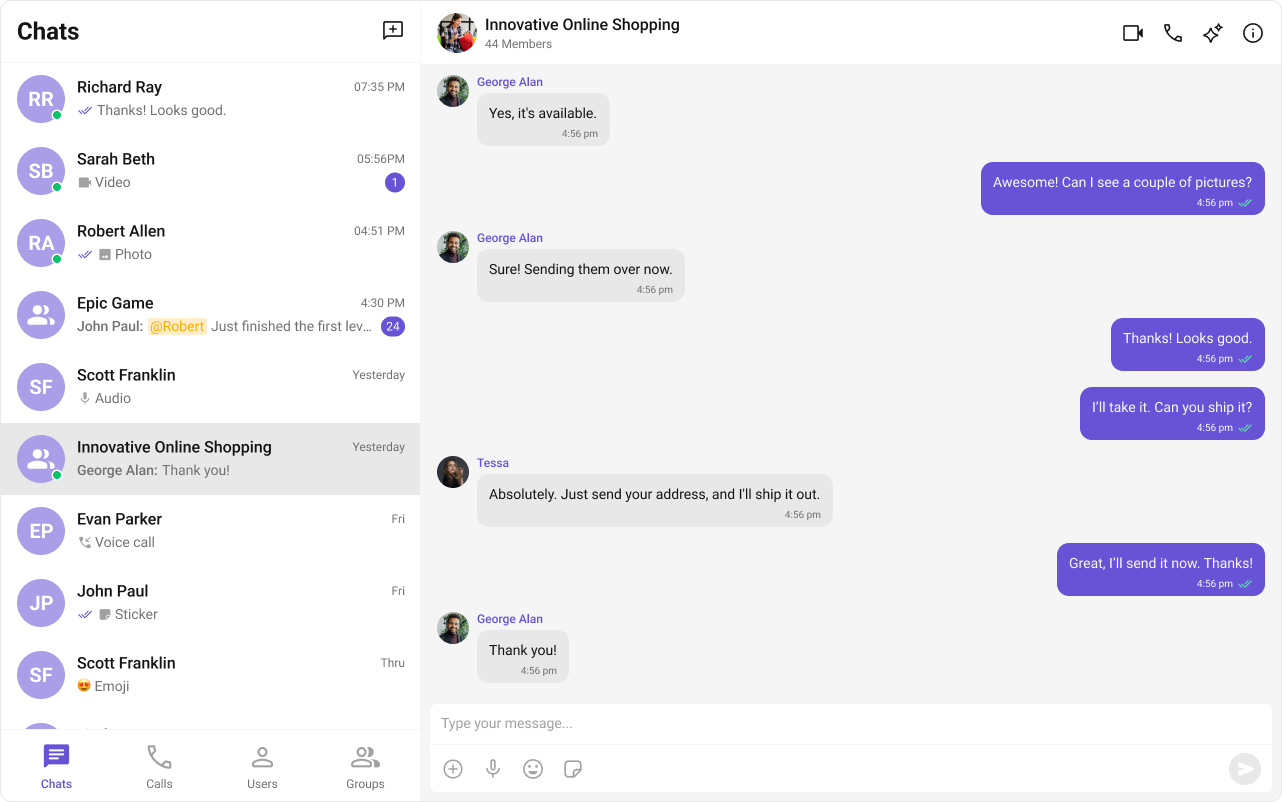
Moderation
CometChat’s Message Moderation feature helps maintain a safe and respectful chat environment by automatically filtering and managing inappropriate content. Messages can be automatically blocked or flagged based on predefined rules, ensuring harmful content is handled before it reaches users.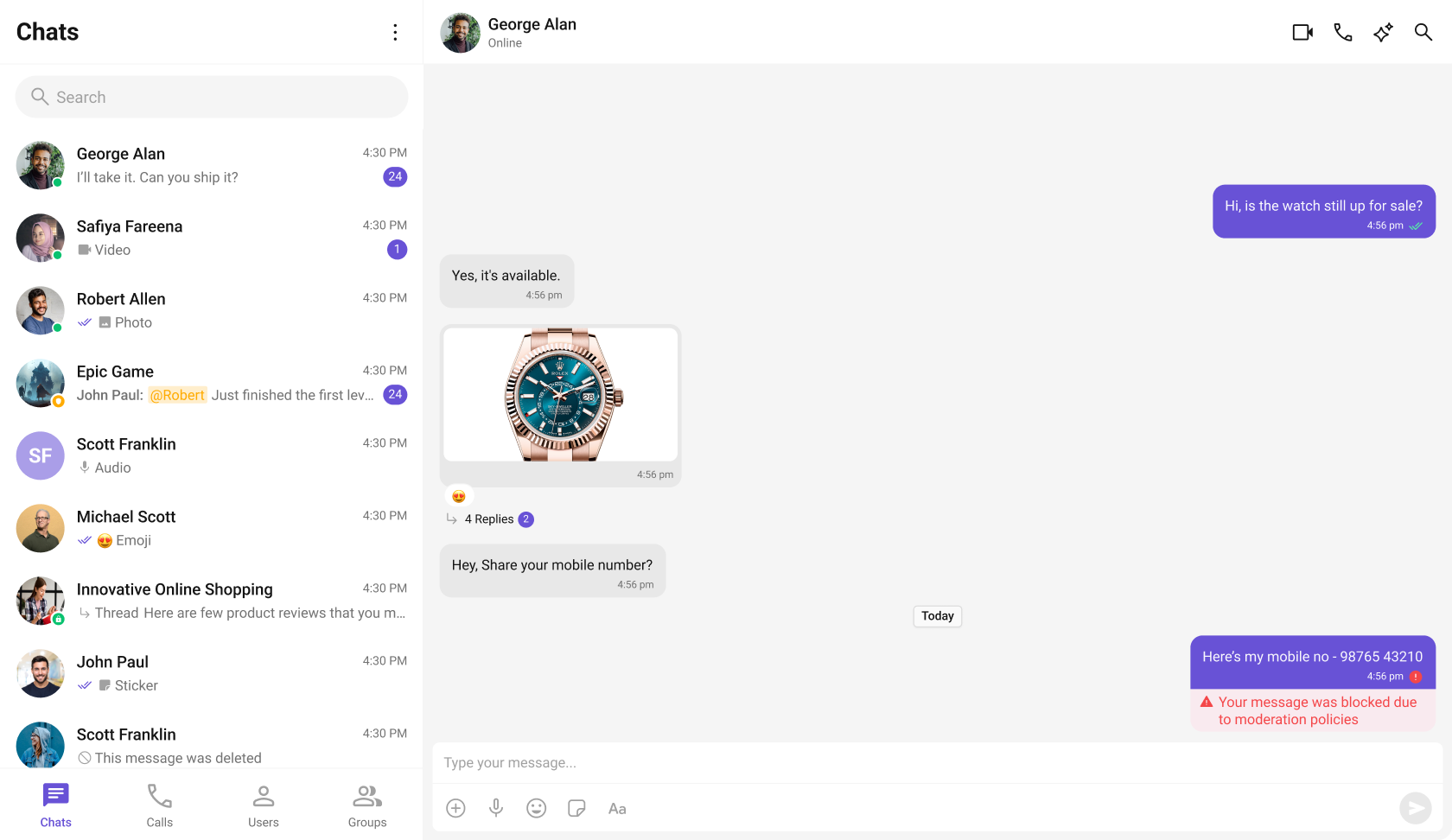
Learn more about setting up moderation rules and managing content in the Moderation documentation.
Report Message
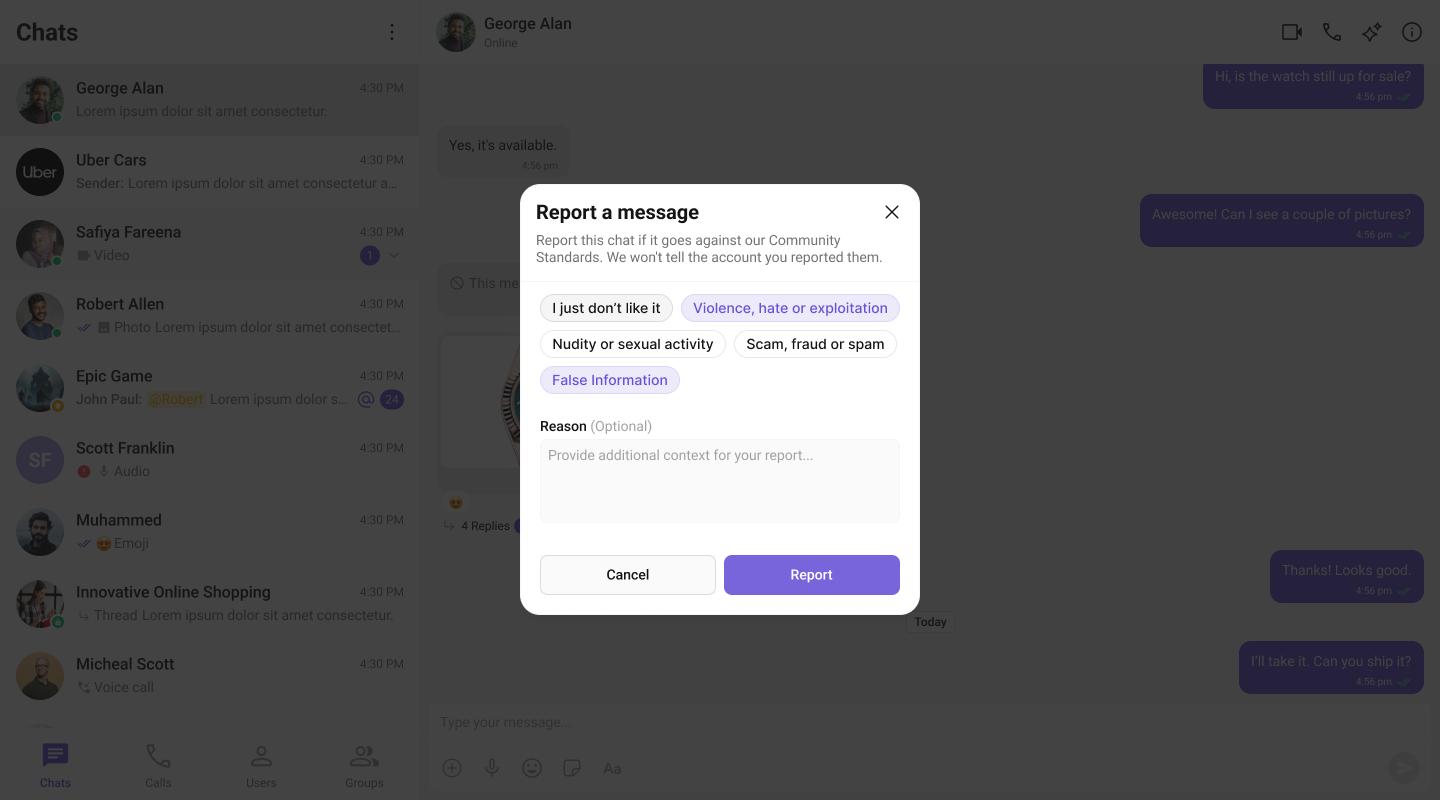
The Report Message feature allows users to report inappropriate or harmful messages within the chat. Users can choose from predefined reasons and provide additional remarks for detailed context. This feature helps maintain a safe and respectful chat environment.Learn more about how flagged messages are handled, reviewed, and moderated in the Flagged Messages documentation.
Conversation and Advanced Search
Conversation and Advanced Search enables users to quickly find conversations, messages, and media across chats in real time. It supports filters, scopes, and custom actions, allowing users to locate content efficiently while keeping the chat experience smooth and intuitive.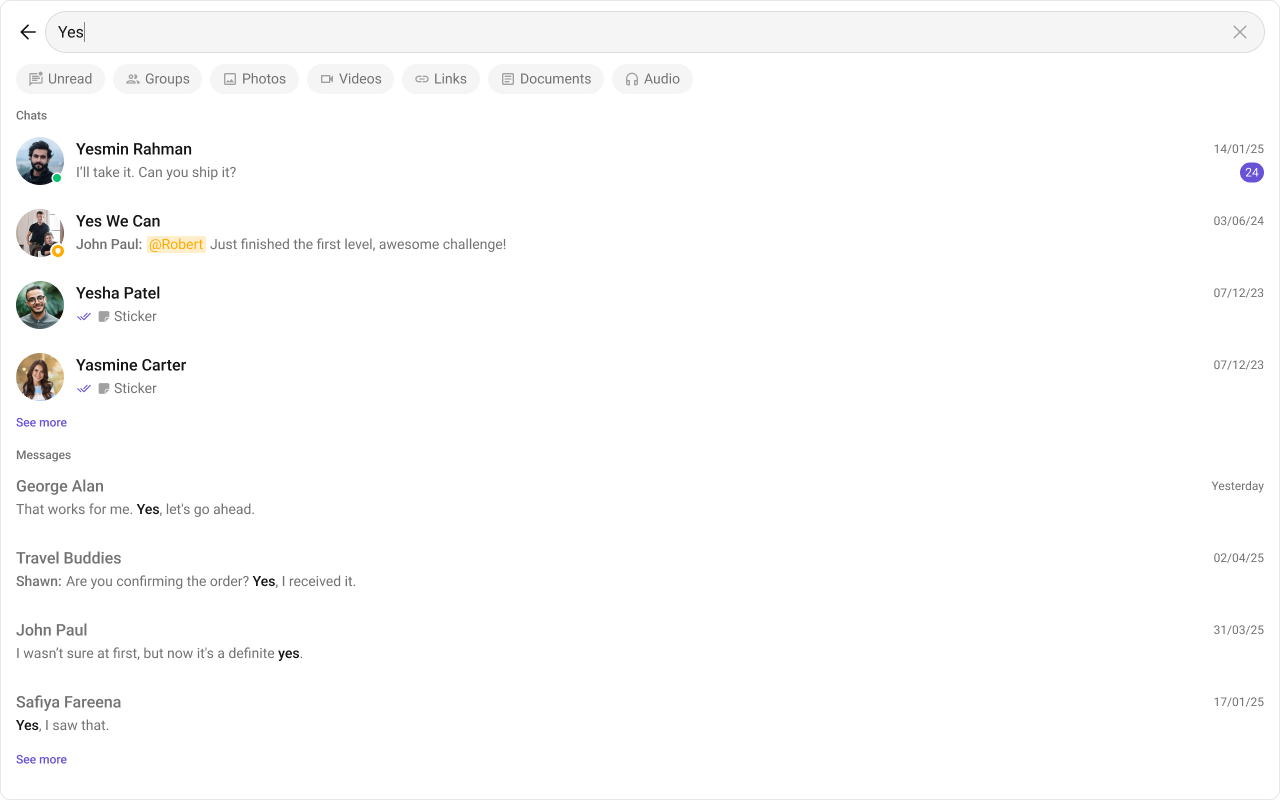
See the Search Messages Guide for detailed implementation instructions.
Next Steps
Components Overview
Browse all available Angular UIKit components
Theme
Customize the look and feel of your chat UI
Call Features
Add audio and video calling
AI Smart Chat Features
Explore AI-powered chat capabilities