

src/builder/cometchat-builder-settings.json, handles feature toggles, layout and theming — see UI Kit Builder Settings. This page covers what to do when you need more than a setting.
App-Level Customizations
React UI Kit v7 has noCometChatApp component. The app shell is src/app/CometChatNoSSR/CometChatAppShell.tsx, which is yours to edit, and it renders CometChatHome — where the app-level props live.
Group Action Messages
Group action messages (joins, leaves, kicks, bans) have no settings key — theshowGroupActionMessages prop above is the only way to change them from code, and they show when it is omitted. Whether they are generated at all is an app-level choice: go to Chat > Settings in the dashboard and switch Include Group Actions.
Opening a Specific Conversation
PassdefaultUser or defaultGroup. The named conversation opens on mount whether or not autoOpenFirstItem is set — that prop only controls what happens when you name nothing.
layout.chatType — always, not only when the sidebar is hidden. Under the default chatType: 'user' a defaultGroup is ignored, so set chatType: 'group' to open a group. See Builder Settings.
Upgrading from v6?
showGroupActionMessages and autoOpenFirstItem were
props on CometChatApp. They are now props on CometChatHome, and the rest of
what CometChatApp did is settings plus your own app shell.Component-Level Customizations
For more advanced customizations tailored to your app’s needs, you can modify individual UI Kit components directly.How to Customize
- Find the component in the UI Kit Components Overview
- Check available props and customization options
- Update props or edit the component source code
Custom Date Format
Customize how sticky date headers appear in the message list. Component: Message List →stickyDateTimeFormat
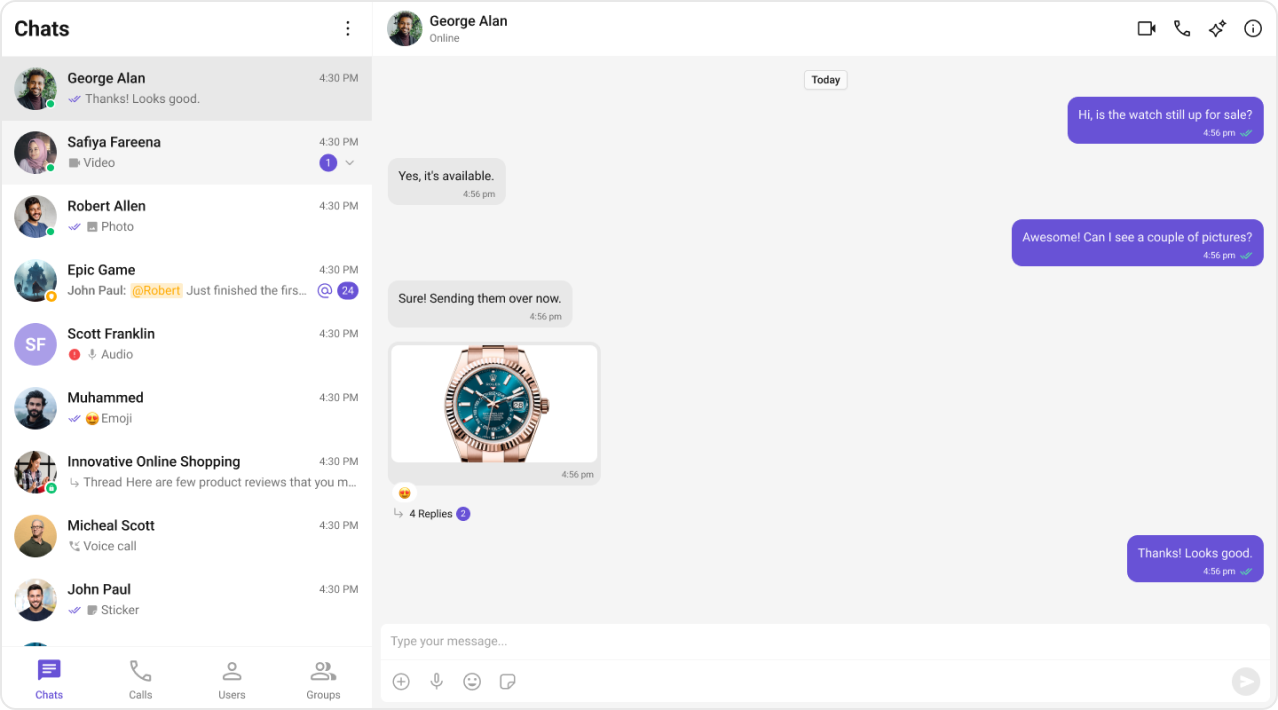
Any key you leave out keeps the UI Kit’s own default, so a partial config is fine.
today and yesterday default to localized strings rather than fixed text, which is why they
follow the user’s language. The current defaults are listed with the component — see
Message List.Custom Conversation Subtitle
Show online status or member count instead of the default last message preview. Component: Conversations →subtitleView
Custom Send Button
Replace the default send button with your brand’s icon. Component: Message Composer →sendButtonView
The glyph’s colour comes from the SVG, not from CSS.
.cometchat-button__icon is the wrapper
around your <img>, so giving it a background paints a square behind the icon rather than
colouring it.Next Steps
UI Kit Builder Settings
Configure feature toggles and behavior
Components Overview
Explore all available UI components
Theming
Customize colors, typography, and styling
Localization
Add multi-language support